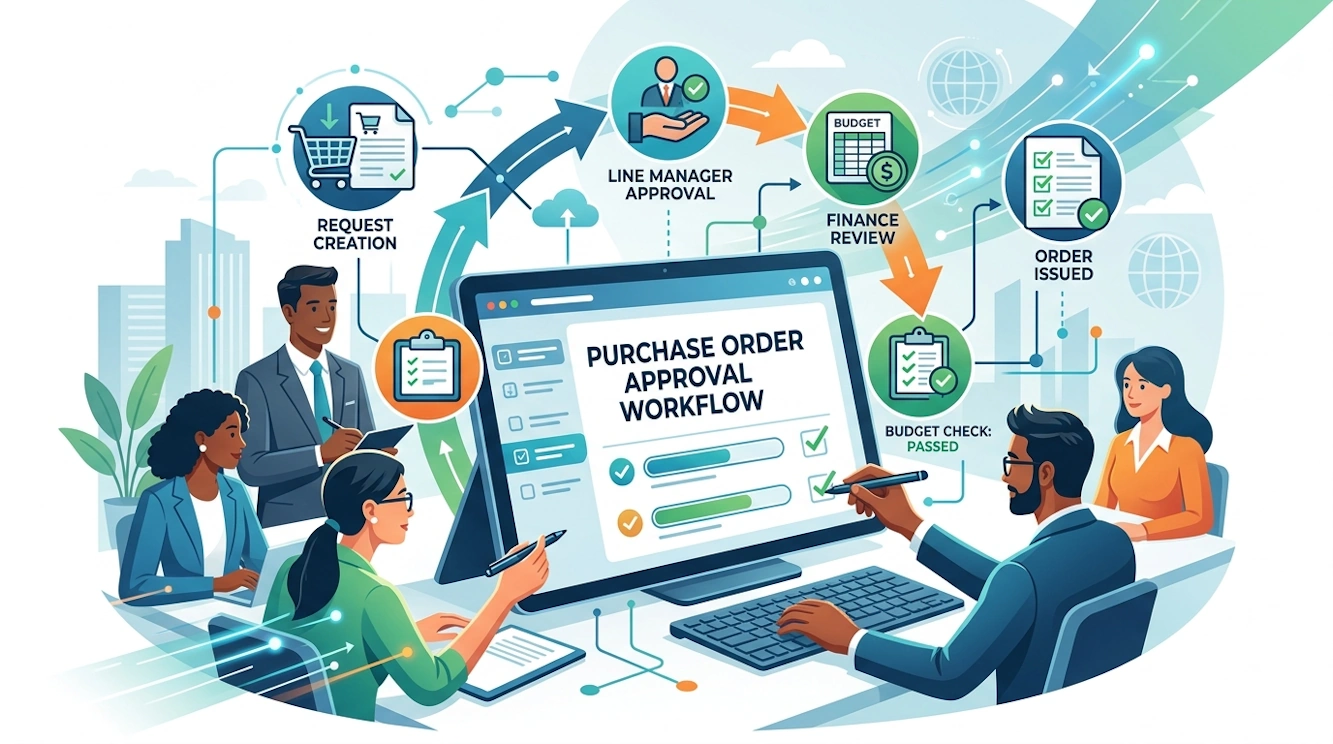
An example of how IFS Cloud Workflows bridge the gap between user input and system automation without complex coding.
1. Draft & Enrich
User Action: Technician enters a PO.
Workflow: Intercepts the "Save" event to auto-fill the "Site ID" and "Department" based on the user's profile, reducing manual entry errors.
Workflow: Intercepts the "Save" event to auto-fill the "Site ID" and "Department" based on the user's profile, reducing manual entry errors.
2. Budget Check
System Logic: The Workflow Engine evaluates the total amount.
Condition: If Total > $5,000, verify "Project Budget" availability. If exceeded, block the process with a custom error message.
Condition: If Total > $5,000, verify "Project Budget" availability. If exceeded, block the process with a custom error message.
3. Manager Review
BPA Task: A "User Form" pops up for the Approver.
Interaction: The Manager clicks "Approve" or "Reject" directly from the notification. No navigation to complex screens required.
Interaction: The Manager clicks "Approve" or "Reject" directly from the notification. No navigation to complex screens required.
4. Release & Send
Final Automation: Upon approval, the workflow automatically changes the status to "Released" and triggers the PDF generation to email the supplier.