

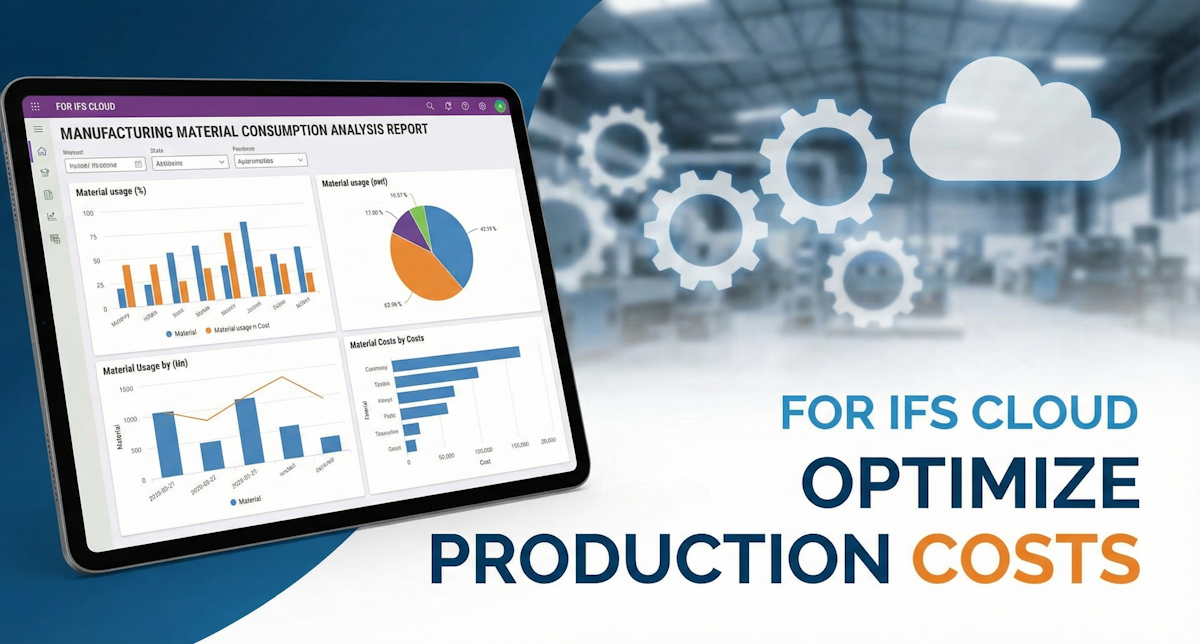

Manufacturing Material Consumption Analysis
Gain complete visibility into your production costs. A detailed breakdown of material consumption by Shop Order, linking raw material usage directly to the manufactured parent part.
1. Report Overview
Tracking the actual cost of materials issued to production can be challenging when dealing with thousands of transaction lines. This report aggregates Shop Order Issues (SOISS), Backflushes (BACFLUSH), and Un-issues (UNISS) to calculate the net consumption for a specific period.
Unlike standard transaction history views, this report utilizes SQL Common Table Expressions (CTEs). This "Filter-First" architecture significantly improves performance on large databases by filtering the Inventory Part table before joining it to the massive Transaction History table.
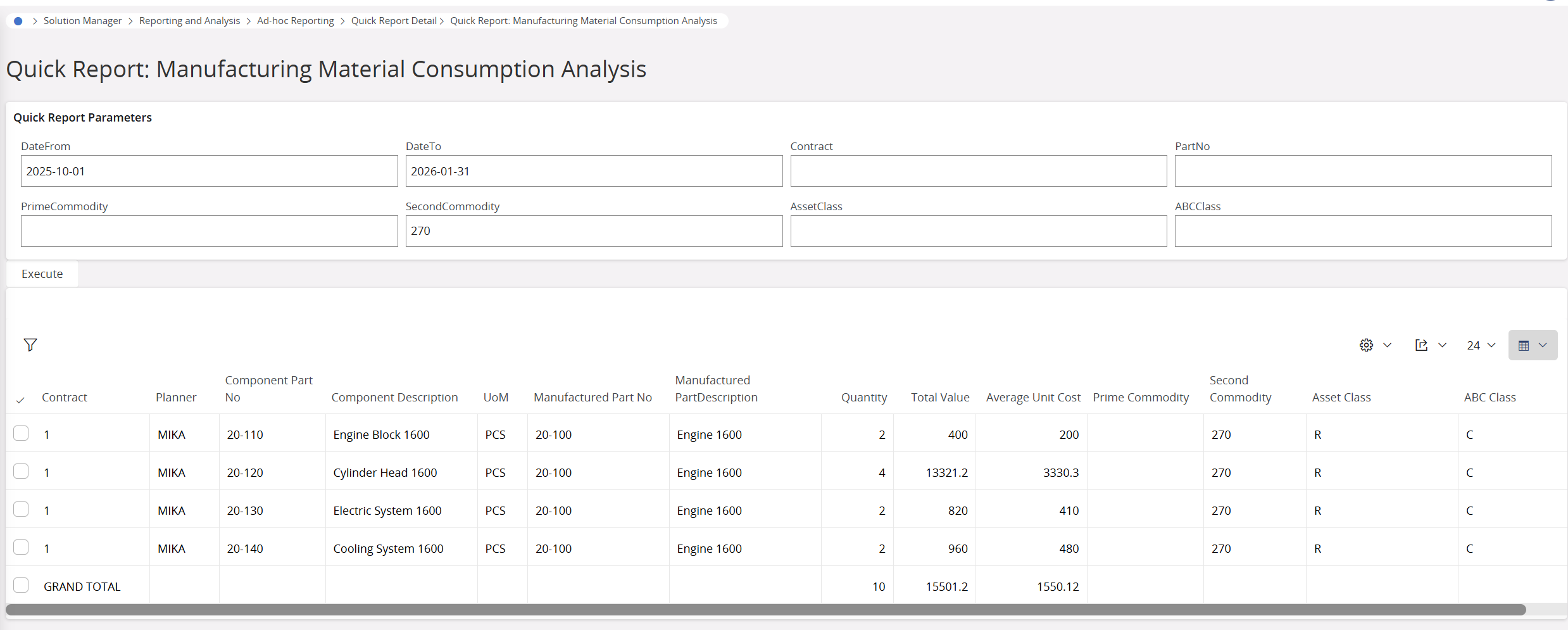

ROLLUP functionality, allowing you to see the total value of consumption immediately without exporting to Excel.2. Key Features
- Parent-Child Linkage: Shows exactly which raw materials (Component Part) were used to build a specific finished good (Manufactured Part).
- Net Cost Calculation: Automatically subtracts returns (Un-issues) from Issues to show the true net cost.
- Commodity Filtering: Allows deep-dive analysis by Prime Commodity, Asset Class, or ABC Class.
- Weighted Average Cost: Calculates the actual average unit cost for the selected period.
- Performance Optimized: Designed for high-speed execution even with large date ranges.
Report Output Columns
| Column Name | Description |
|---|---|
| Site | The contract site (displays "GRAND TOTAL" in the summary row). |
| Planner | The planner responsible for the raw material. |
| Component Part No | The ID of the raw material consumed. |
| Manufactured Part No | The parent part being produced on the Shop Order. |
| Quantity | Net quantity consumed (Issues - Unissues). |
| Total Value | Net financial cost of consumption. |
| Average Unit Cost | Calculated weighted average cost. |
3. Input Parameters
When running this report in IFS Cloud, the user will be prompted for the following criteria:
| Parameter | Description | Optional? |
|---|---|---|
| &Contract | The Site identifier (e.g., 10). Supports wildcards (%). | No |
| &DateFrom | Start date of the analysis (YYYY-MM-DD). | No |
| &DateTo | End date of the analysis. | No |
| &PartNo | Filter by specific Component Part No. | Yes |
| &PrimeCommodity | Filter by Prime Commodity code. | Yes |
| &AssetClass | Filter by Asset Class. | Yes |
Frequently Asked Questions
UNISS transaction codes and subtracts them from the total. For example, if you issue 10 units and return 2, the report will display a Net Quantity of 8.Started, Closed, or Parked.SOISS) was performed without a proper reference, or if the data is from legacy migration, this field may remain empty.ROLLUP function to ensure the math is performed on the server side, providing an accurate financial total for the selected period immediately.Price
Delivered immediately via download.
Report Details
| Type: | SQL Quick Report |
| Module: | Manufacturing / Inv |
| Optimized: | Yes (CTE) |
| Group By: | Contract, Part No |
